
The complete guide to OpenAI Codex
I shipped 4 features to my Mac app in parallel while drinking coffee

Last week I added a daily view, fixed sleep data sync, improved my loading screens, and enhanced the iPhone sync experience—all at the same time. Six months ago? I would have done these one by one, waiting days between each feature to avoid merge conflicts.
Here’s what changed.
The Problem
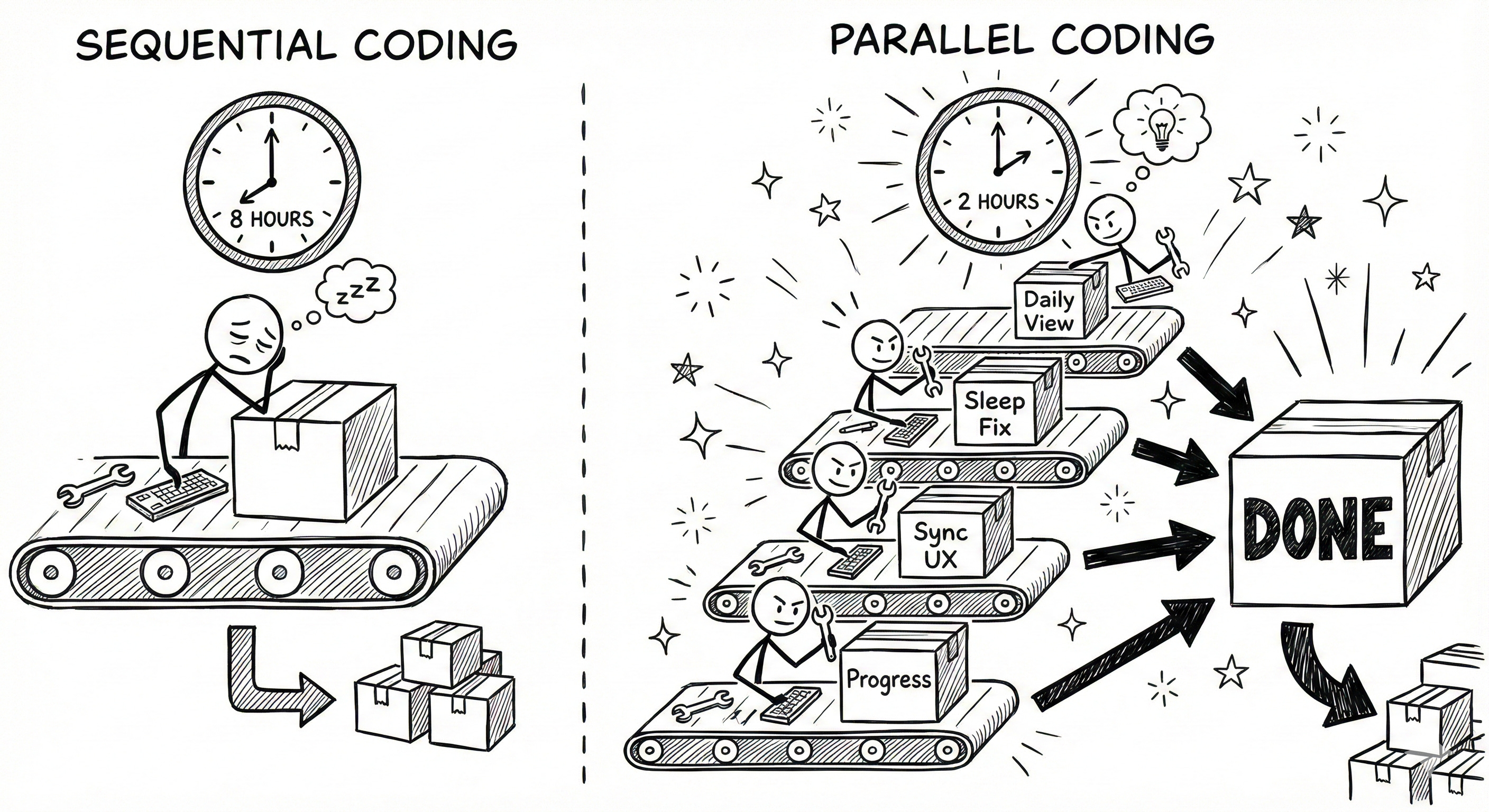
I was coding like it’s 2015. One feature at a time. Finish, test, merge, then start the next one.
My Mac app (Health Data AI Analyzer on the App Store) had 47 feature requests in Linear. At my old pace—3-5 days per feature—that’s 141 to 235 days of work. Nearly 8 months of sequential development for a solopreneur.
I tried Cursor. I tried Windsurf. I tried Claude Code. They’re all great at helping you write code faster. But they still had me working on one thing at a time. The bottleneck wasn’t coding speed—it was parallel execution.
The Solution
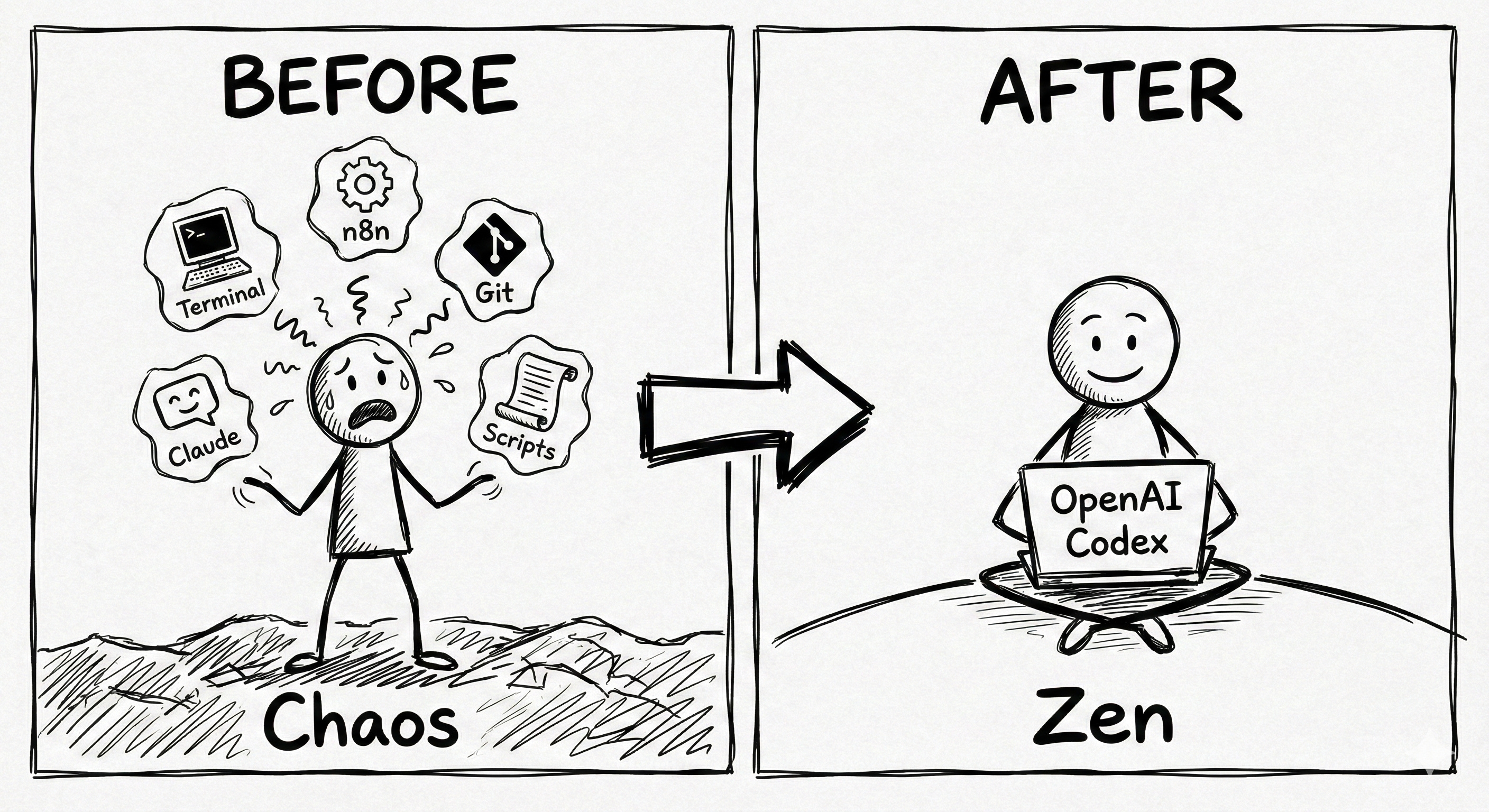
OpenAI Codex desktop app changed the game with three features working together: Git worktrees, parallel threads, and cloud execution.
Here’s the exact workflow. I open Codex and create 4 separate threads. Each one gets a feature request. I select “Work Tree” mode, which automatically creates isolated code branches—no conflicts between threads. While my computer handles the daily view implementation locally, I send the heavy refactoring task to Codex Cloud so my fan doesn’t go crazy.
The magic? Git worktrees separate each thread into its own folder. Thread 1 adds the daily view. Thread 2 fixes sleep data. Thread 3 improves loading states. Thread 4 enhances sync UX. They all work on copies of my main codebase simultaneously. When done, I test each one independently, then merge only what works.
I also built Skills—basically saved prompts I run repeatedly. My YouTube analytics skill downloads all my channel data and gives me optimization suggestions. My Linear skill takes my voice notes about features and automatically creates properly formatted tickets. And I stole two automations from OpenAI’s official video: “Upskill” runs nightly to improve my skills based on failure logs, and “Update Agents.md” analyzes my conversations every 12 hours to teach Codex how to work better with me.
The Results
Before: 3-5 days per feature, working sequentially After: 4 features in 2 hours, working in parallel
My Mac app went from 1-2 updates per month to shipping multiple features weekly. The daily view implementation that would’ve taken me a full afternoon? Done in 40 minutes while I was also fixing the sleep data sync issue.
My YouTube analytics skill saves me 90 minutes every Sunday. It used to take me that long to manually review my stats, identify underperforming videos, and brainstorm title improvements. Now it’s automated. My channel views are up 114% and watch time is up 111%—partly because I’m actually implementing the suggestions instead of procrastinating on the analysis.
Tools/Resources
OpenAI Codex Desktop ($0 with ChatGPT Plus $20/month) - The core tool
ChatGPT Plus required ($20/month) - Can’t use other LLMs
Built-in dictation - Saves me $10/month (cancelled Whisper Flow)
Cloud execution - Free with Plus subscription
Git worktrees - Built-in, automated setup
Skills & Automations - Included
Alternative options:
OpenCode (Free) - Multi-LLM support but no worktrees
Claude Code ($20/month) - Best code quality but no parallel support yet
Total cost: $20/month if you’re already on ChatGPT Plus
Your Next Steps
Download Codex from openai.com/codex and install the desktop app
Create your first project folder and connect it
Start with 2 parallel tasks on separate worktrees—don’t go to 10 immediately
Build one skill for something you do weekly (analytics, reports, ticket creation)
Set up one automation to run that skill on a schedule
The learning curve for worktrees is the hardest part. Spend 30 minutes understanding how branches and isolated folders work. Once you get it, parallel development becomes second nature.
Let’s Talk Parallel Development
What’s holding you back from running multiple coding tasks at the same time? Are you worried about merge conflicts, or is it just that your current tools don’t support it?
Drop a reply and let me know.
See you next week, Keith
P.S. - The killer feature isn’t AI writing better code. It’s AI managing an entire engineering workflow so you can think like a team lead instead of a solo coder.
Weekly Resource Drop
I’m sharing my full automation prompts (Upskill and Update Agents.md) plus my YouTube analytics skill setup in the community. Join 2,500+ members learning AI automation at https://nas.io/rumjahn
Good? Ok? Bad? Hit reply and let me know...