
How to vibe code a Mac desktop app in 3 days using Claude Code
From zero Swift knowledge to App Store approval using AI

I’ve never coded a Mac app before and launched a live app on the Mac App Store in just 3 days. No prior Swift knowledge. No fancy coding bootcamp. Just me, Claude Code and some neat A.I. tricks.
Here's what we're covering today:
How to generate a product requirement doc
Setting up Xcode environment
Generating icons and metadata with A.I.
App store submission
Before we start, keeping up with A.I. is tough. So here’s my weekly A.I. highlights.
Weekly Resource List:
A new open source LLM from China Z.ai just came out - Supposedly better than Gemini and ChatGPT.
Former twitter founder Jack Dorsey releases Codename Goose - an open source coding agent you can run locally
I’ve stopped using the default terminal on my Mac and changed to Ghostty.
Why did I build the app?
I exported all my Apple health data and I wanted to analyze it just for fun. However, I realized that the file was 1GB! So I wrote a python script to analyze it on my computer. I then open sourced it and shared it on reddit. To my surprise, I got 200 upvotes and 203 stars on my github repo.
Then I started getting alot of questions on how to run it. Running docker and running python in the command line interface is not easy. So I built a Mac app to make it easier to use.
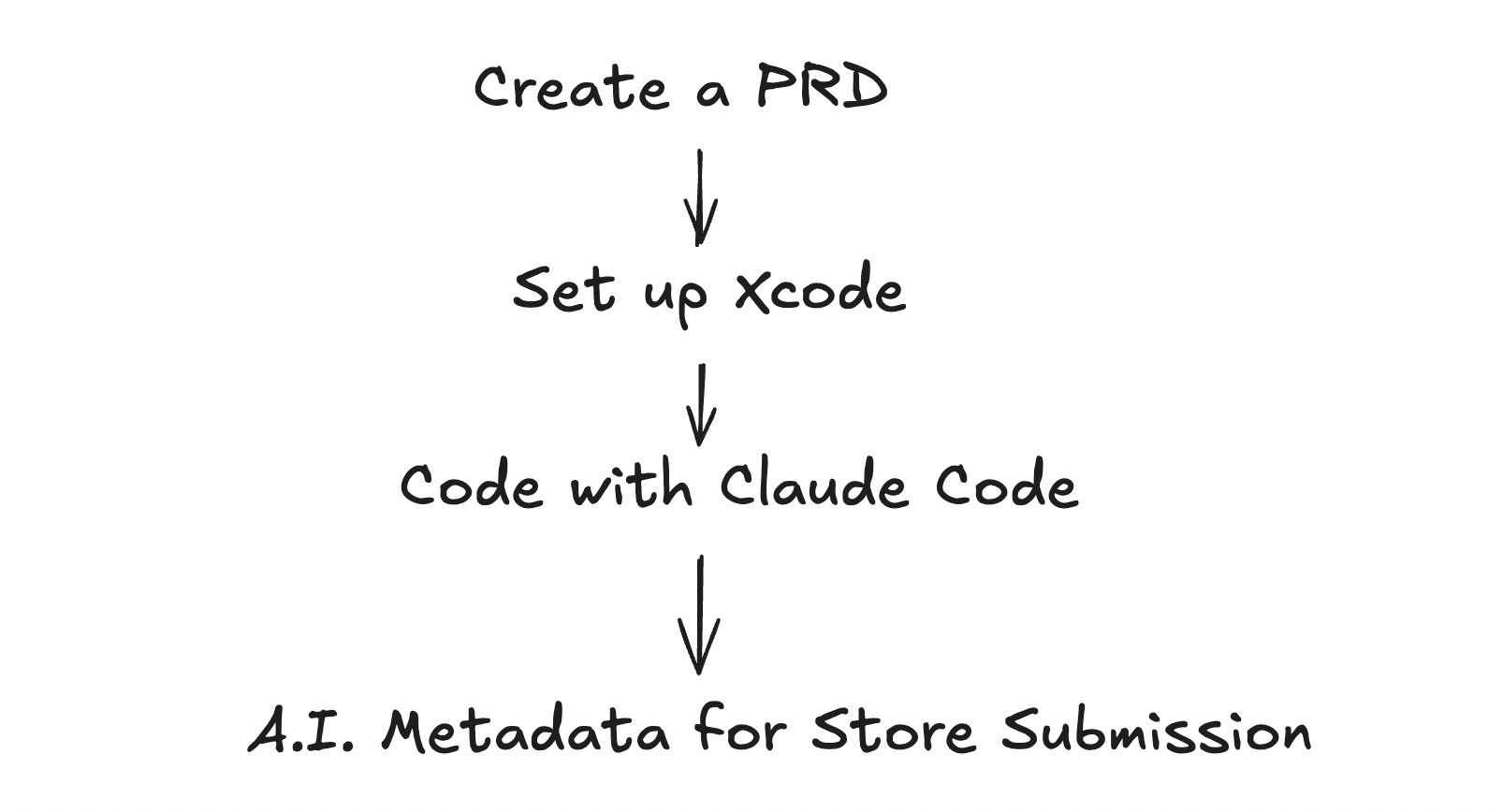
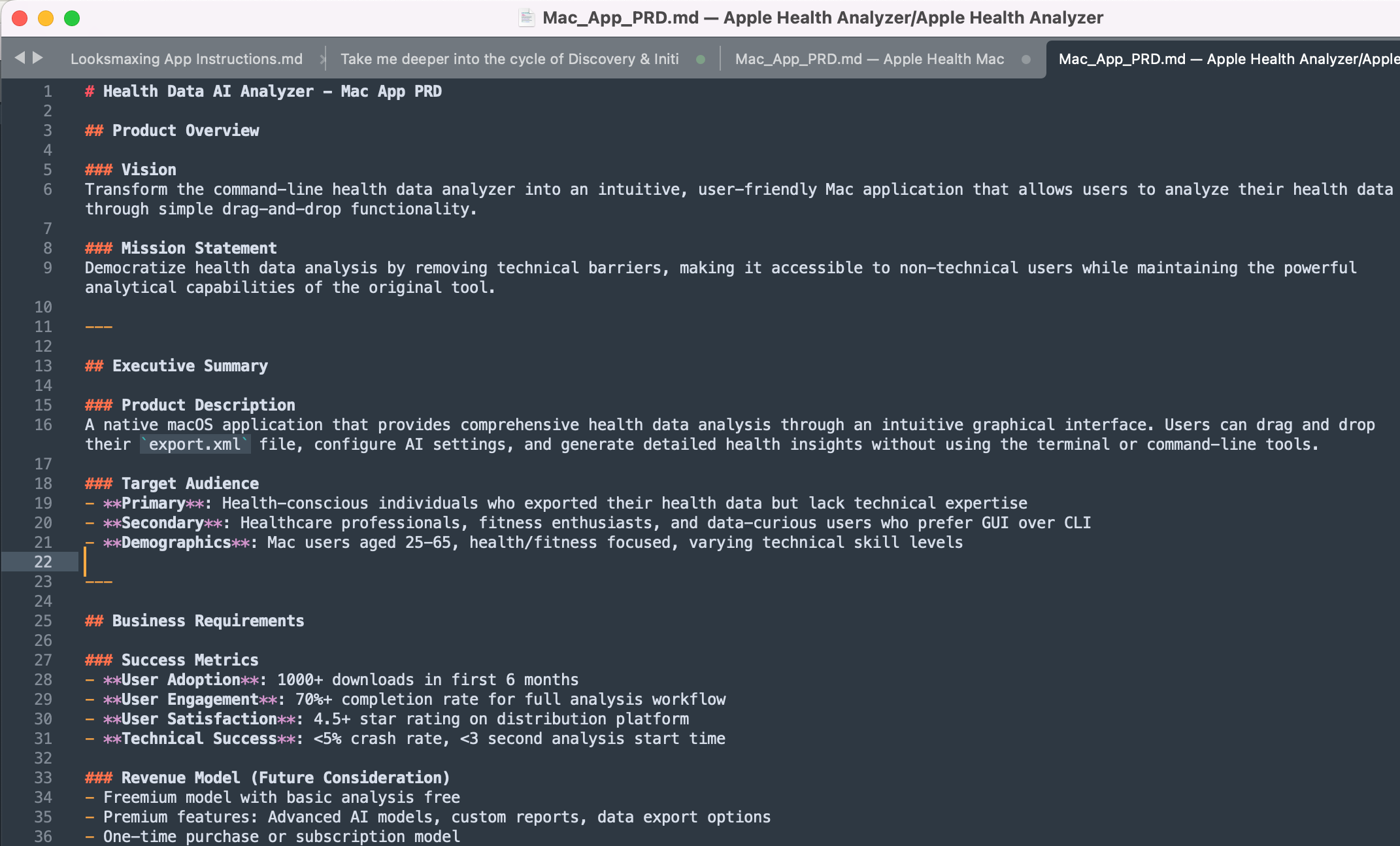
First thing I did was create a PRD. My PRD looks something like this.
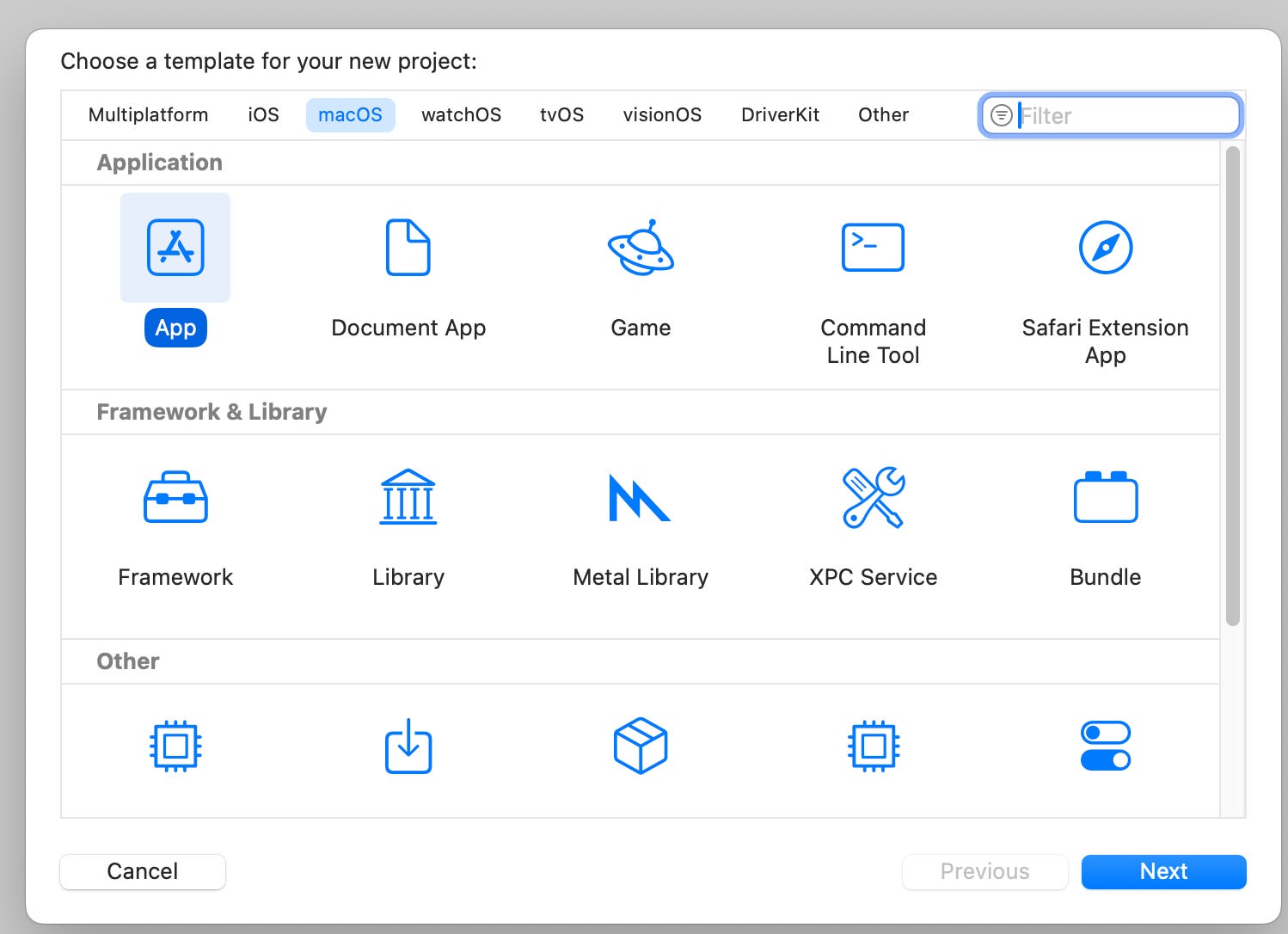
Next I setup a new Xcode Mac App folder as a template and then I let Claude Code do it’s magic based on the PRD.
Coding is the easy part. Then I need to fill in all the details for the app store:
App icon
Resize icons
Description
Privacy URL
Support URL
Category
App preview screenshots
The list goes on, this part actually took more time than the coding. I used A.I. to help me with all of these.
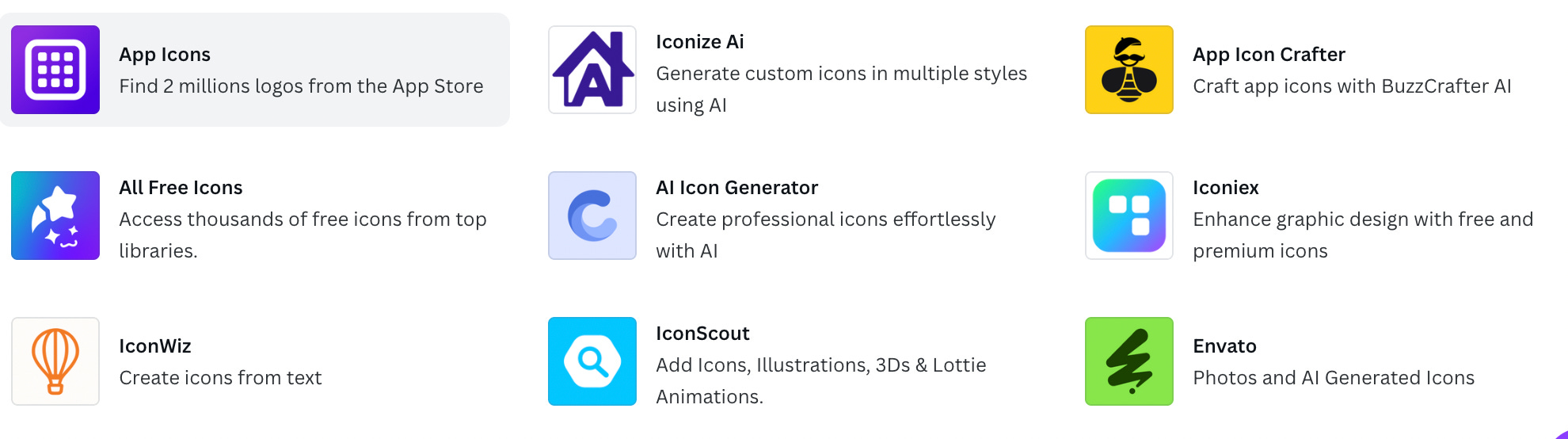
I used Canva to design an app icon. There’s quite a few icon generators in Canva.
Then I used Warp to resize the icons to 10 different sizes. The command is really simple:
Can you help me resize this app icon for all the sizes for app storeI also used A.I. to generate a privacy policy with a prompt:
Generate a privacy policy for my app [insert app name and description] for the Apple app store. My app is a Mac app. Make sure it complies to the Apple guidelines.I uploaded it all to the app store and clicked submit! But that’s not it. 99% of the time, you will get rejected by app review. So just copy and paste the problem into Claude Code to fix it and then resubmit until you get approved.
That's it.
Here's what you learned today:
Generate a PRD for your app
Use tools like Canva and Warp to generate app store material
But launching is the easy part. Getting users is the hardest part! I posted the app on reddit to get more exposure and already people are asking for features.
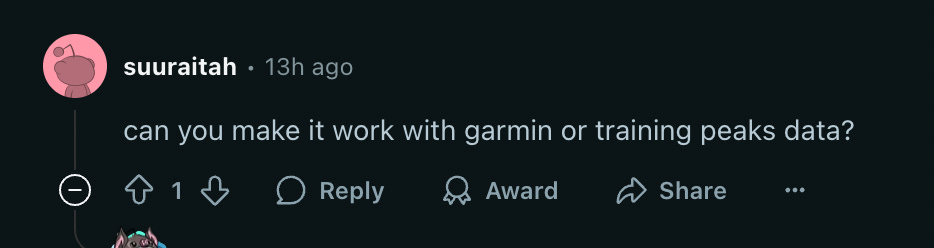
I purposely kept the app’s feature set as small as possible. There’s still alot of features I want to add but I wanted to get a minimal viable product out FIRST. Then let my customers tell me what else they want to add.
Your next step: I hope this inspires you to vibe code your dream app!
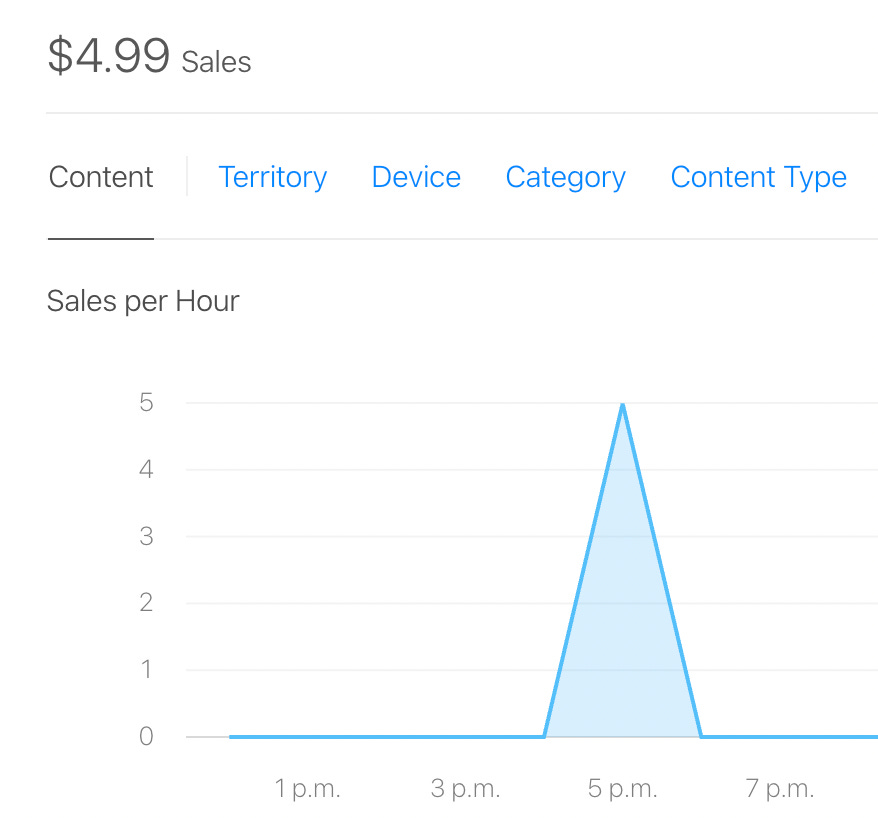
I made $4.99 on my first day of launch too!
-----
Tell me what you thought of today's email.
Good?
Ok?
Bad?
Hit reply and let us know why.
-----
PS...If you're enjoying this newsletter, please consider referring this